







No accounts.
No sign-in, no profile, no password to forget. The app opens to the work itself.
A native app for macOS and iOS that pixelates faces and licence plates in your photos and videos — automatically, locally, and entirely without the cloud.
No sign-in, no profile, no password to forget. The app opens to the work itself.
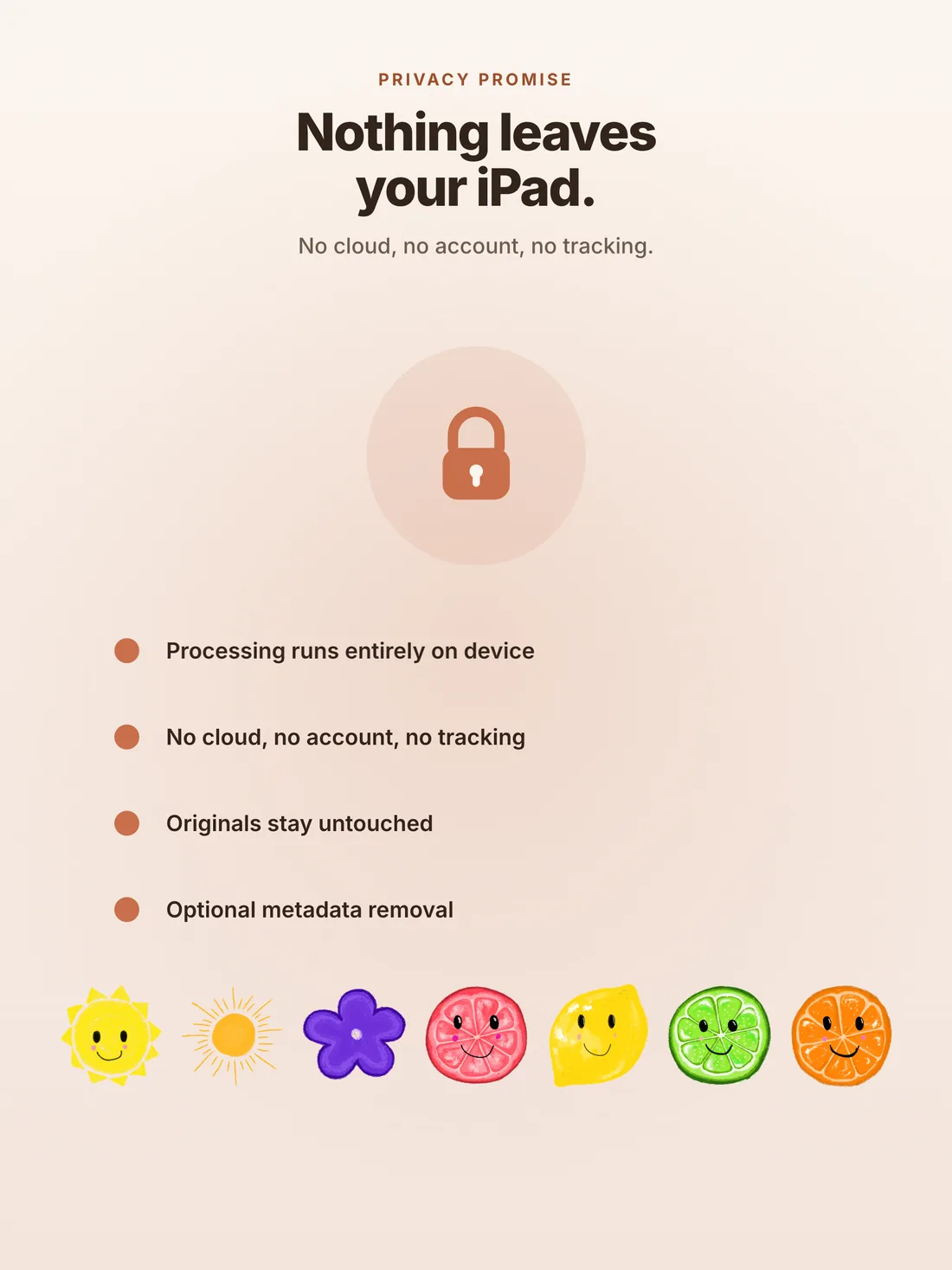
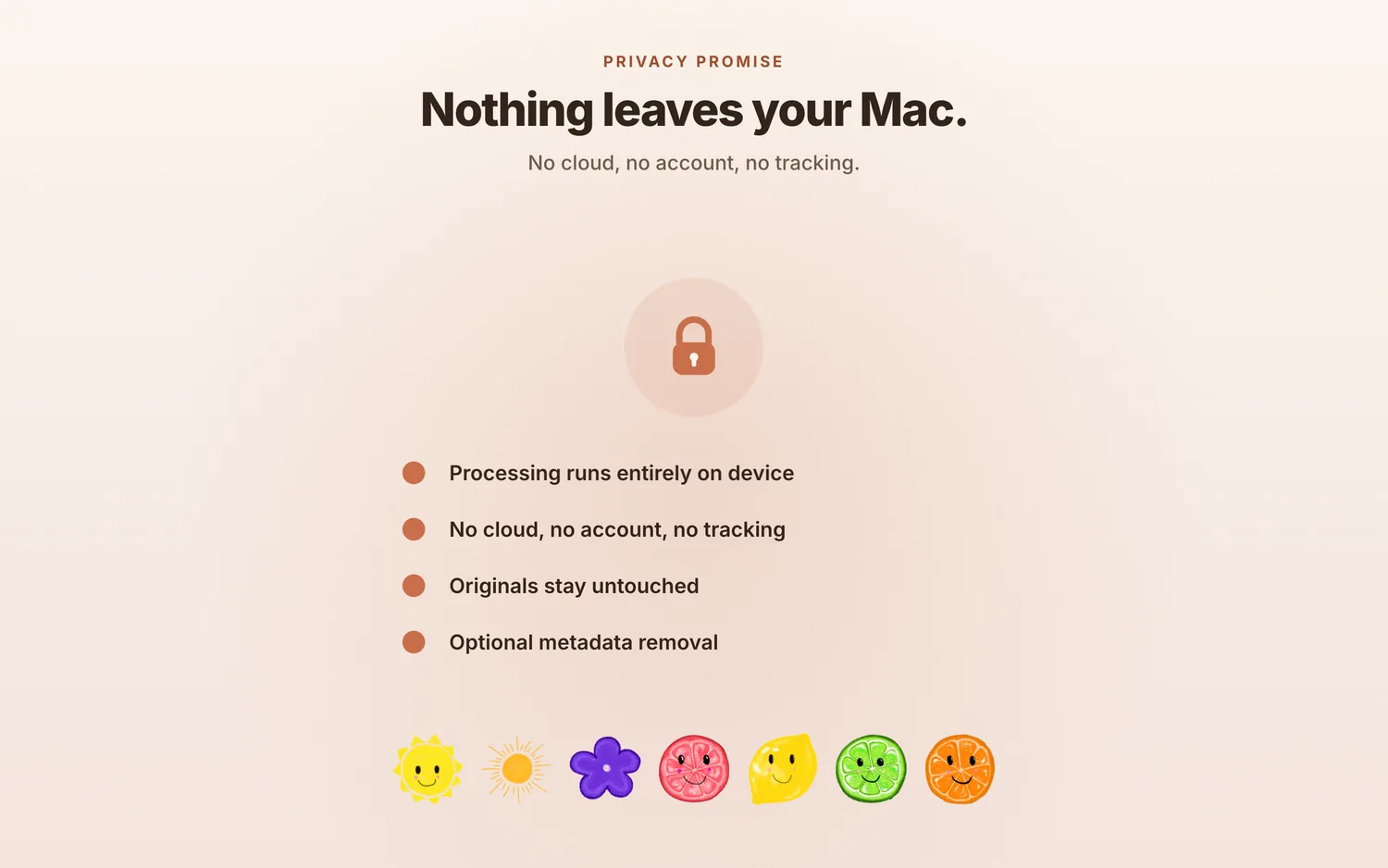
No telemetry. No crash reports. No third-party SDKs. Nothing about your usage is collected, anywhere.
Your photos never leave the device. The app never phones home — nothing leaves unless you write it and send it.
Most "privacy-first" apps ask you to trust a privacy policy. Redact removes the need to trust at all — there's no telemetry to disable, no consent dialog to dismiss, nothing hidden behind a setting.
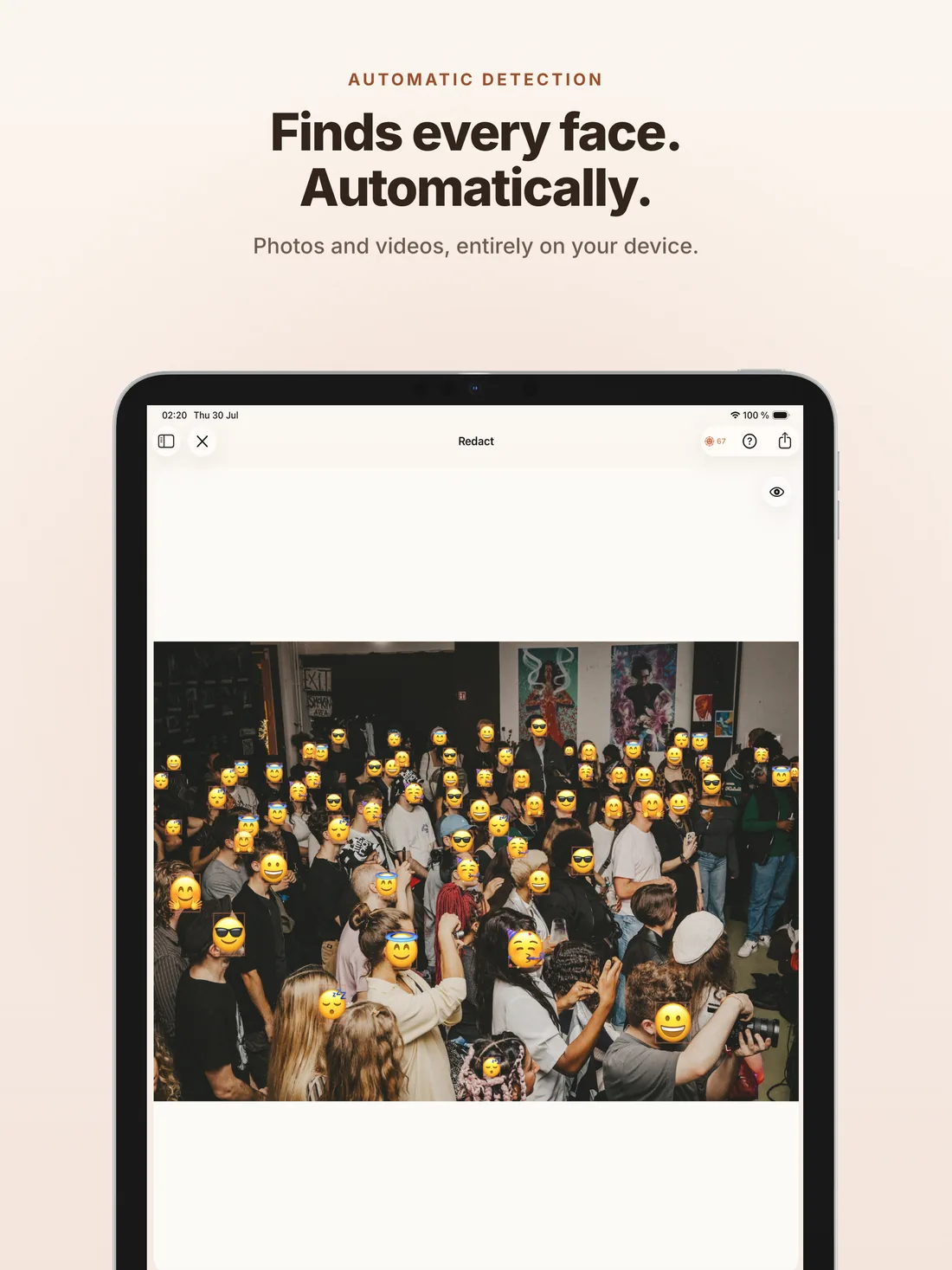
The face detection model runs through Core ML on the Apple Neural Engine. Every detection happens on the chip in your hand. Works in airplane mode.
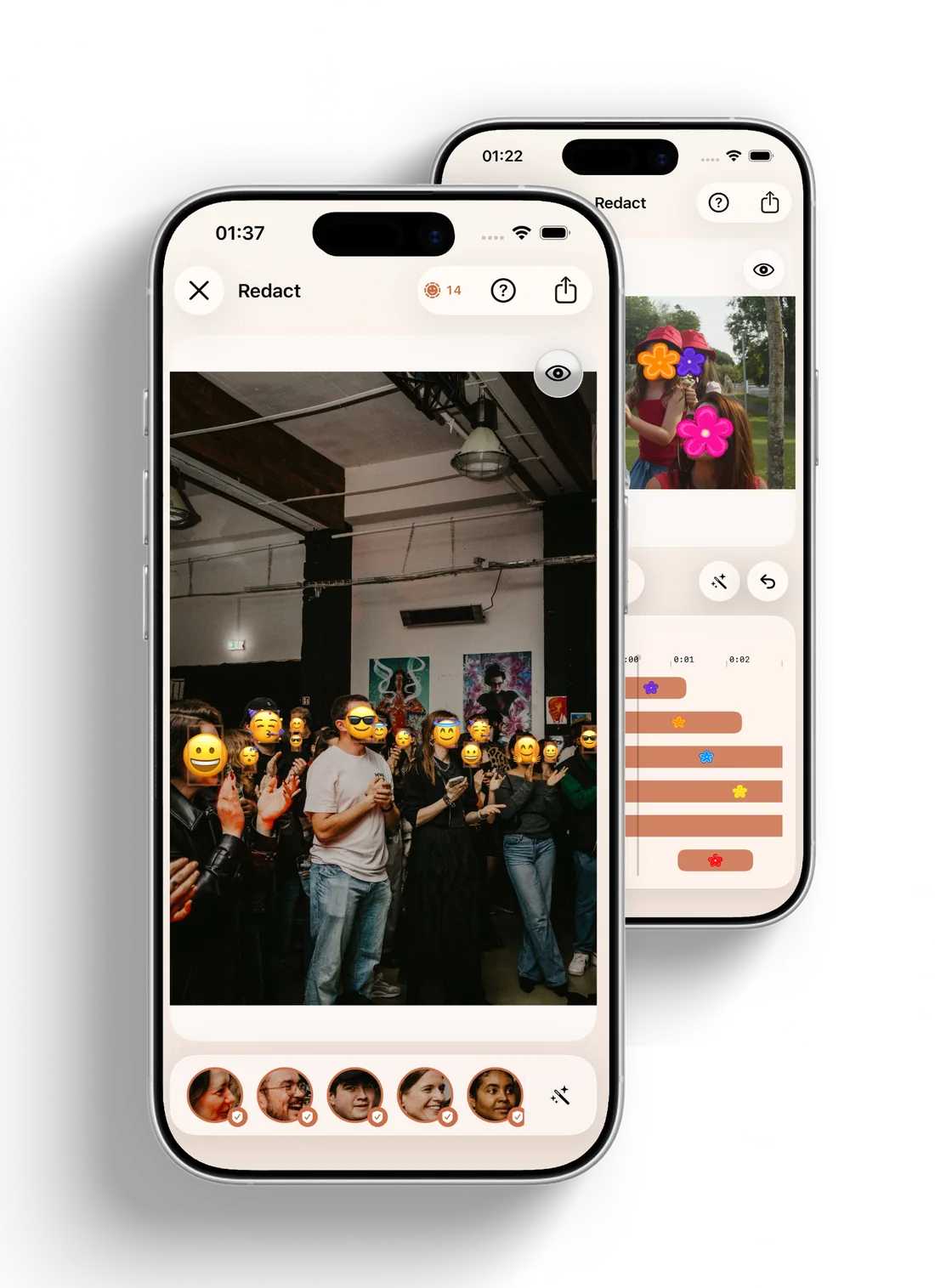
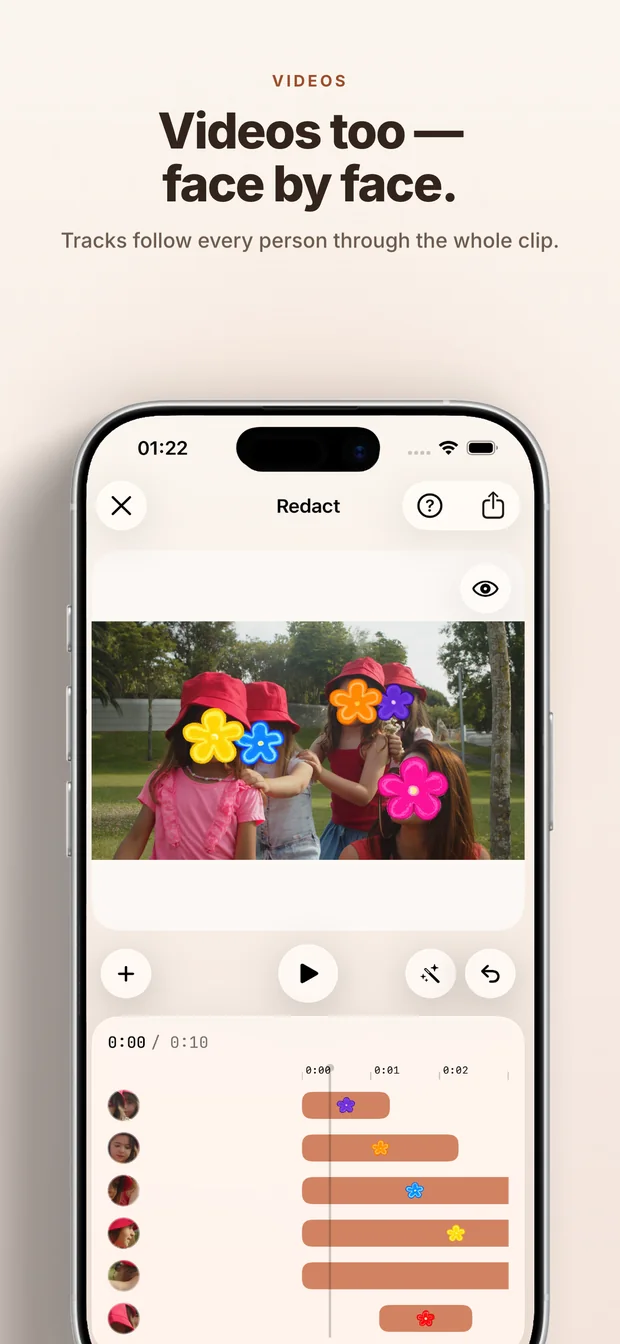
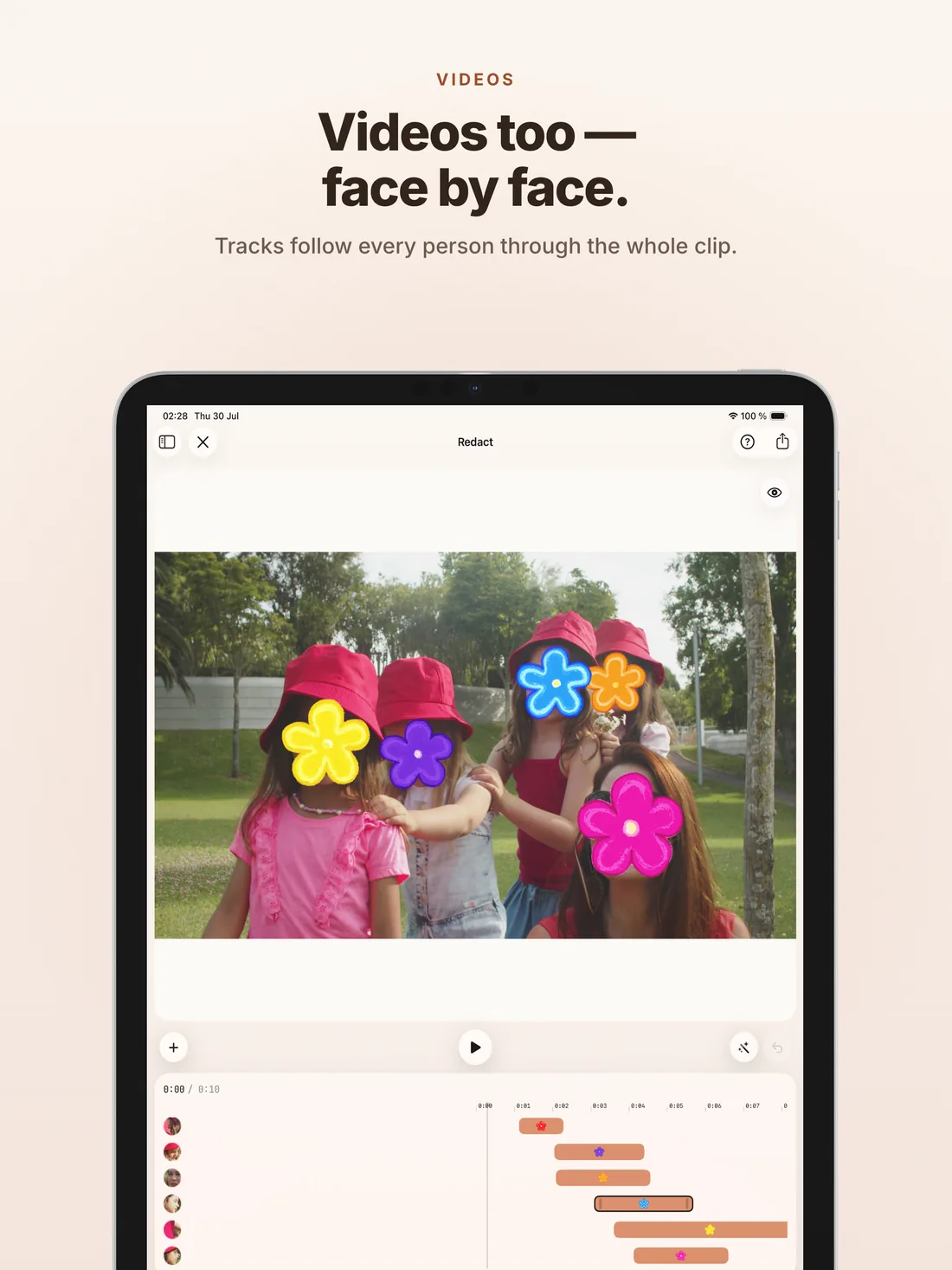
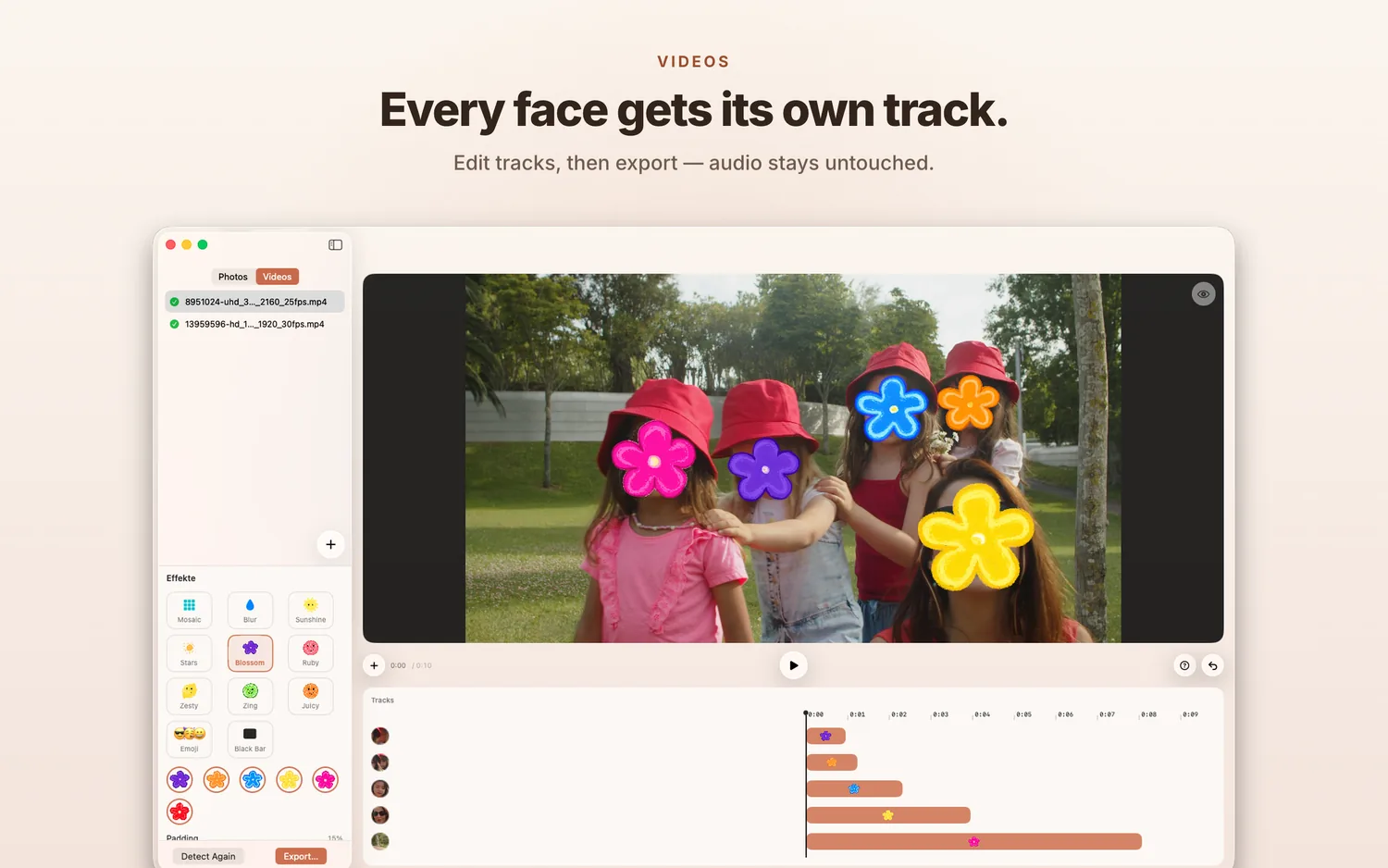
Anonymise a single shot or a whole clip. In videos, faces are tracked from frame to frame — detected once, followed everywhere, editable as tracks.
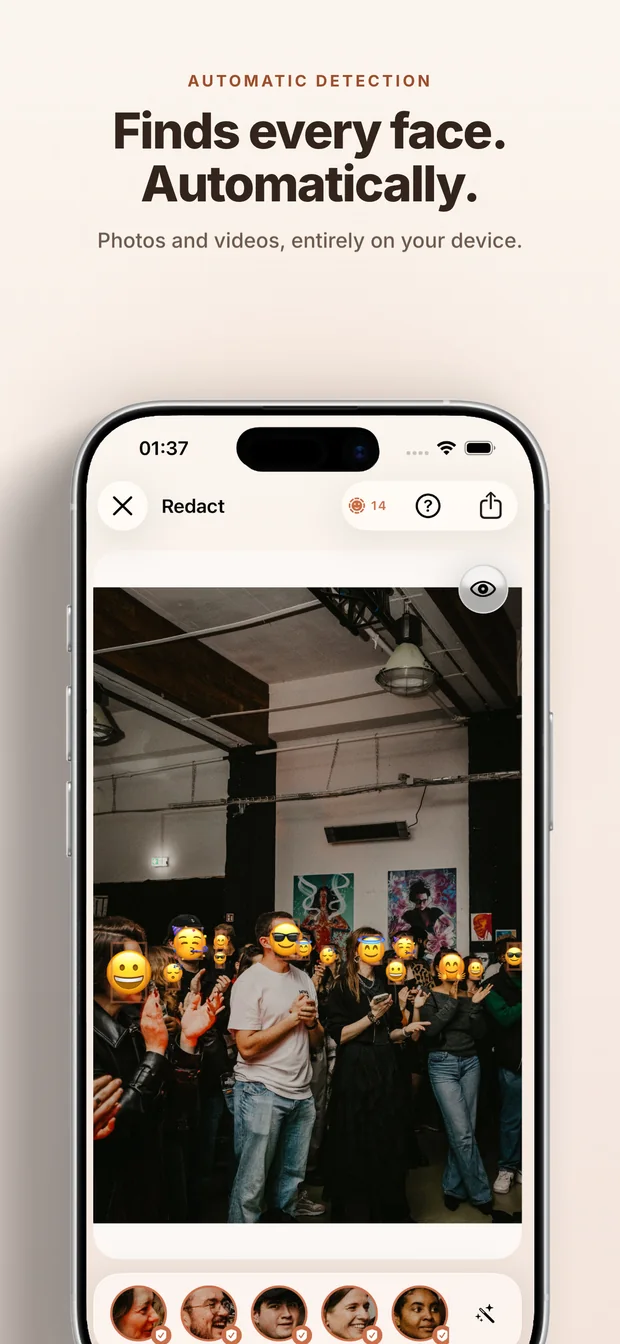
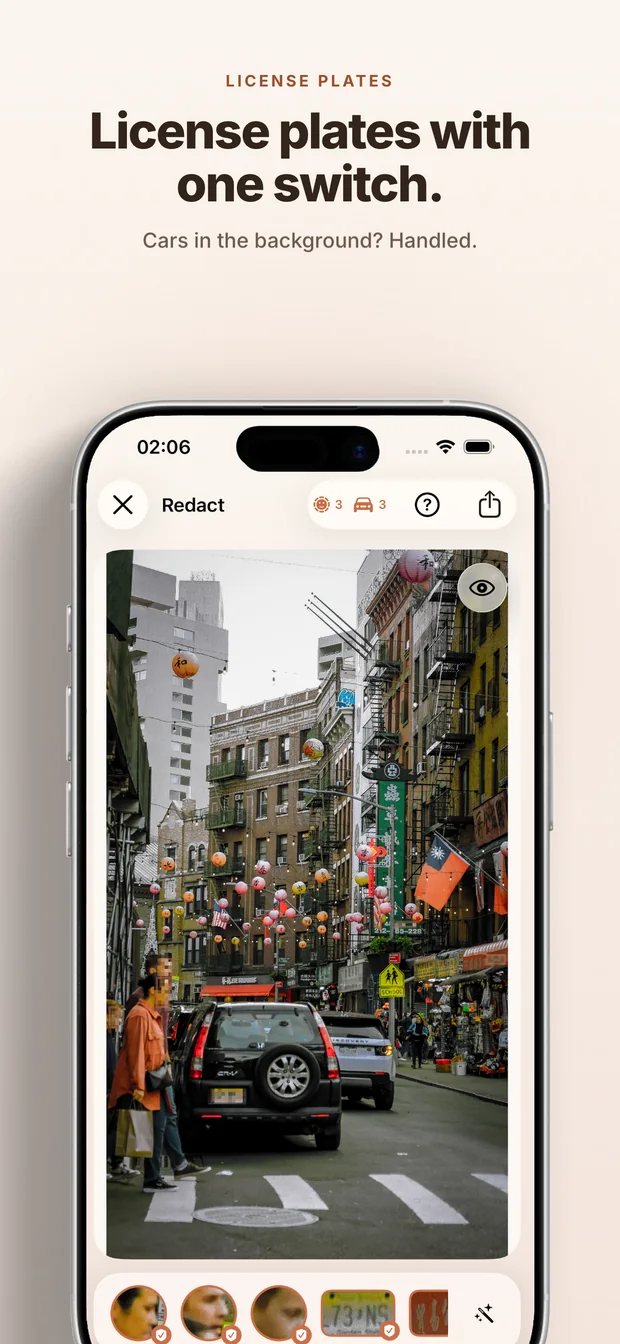
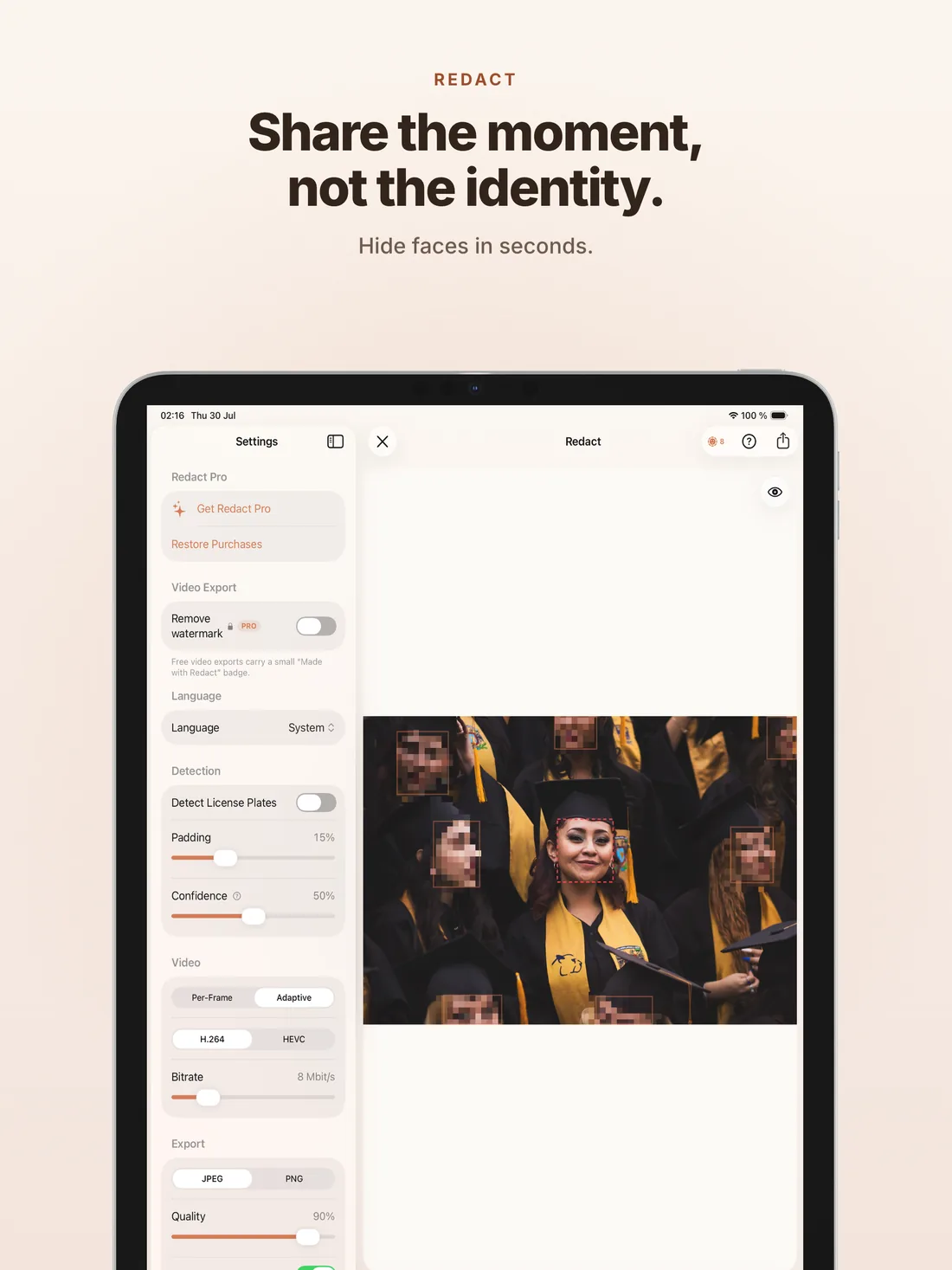
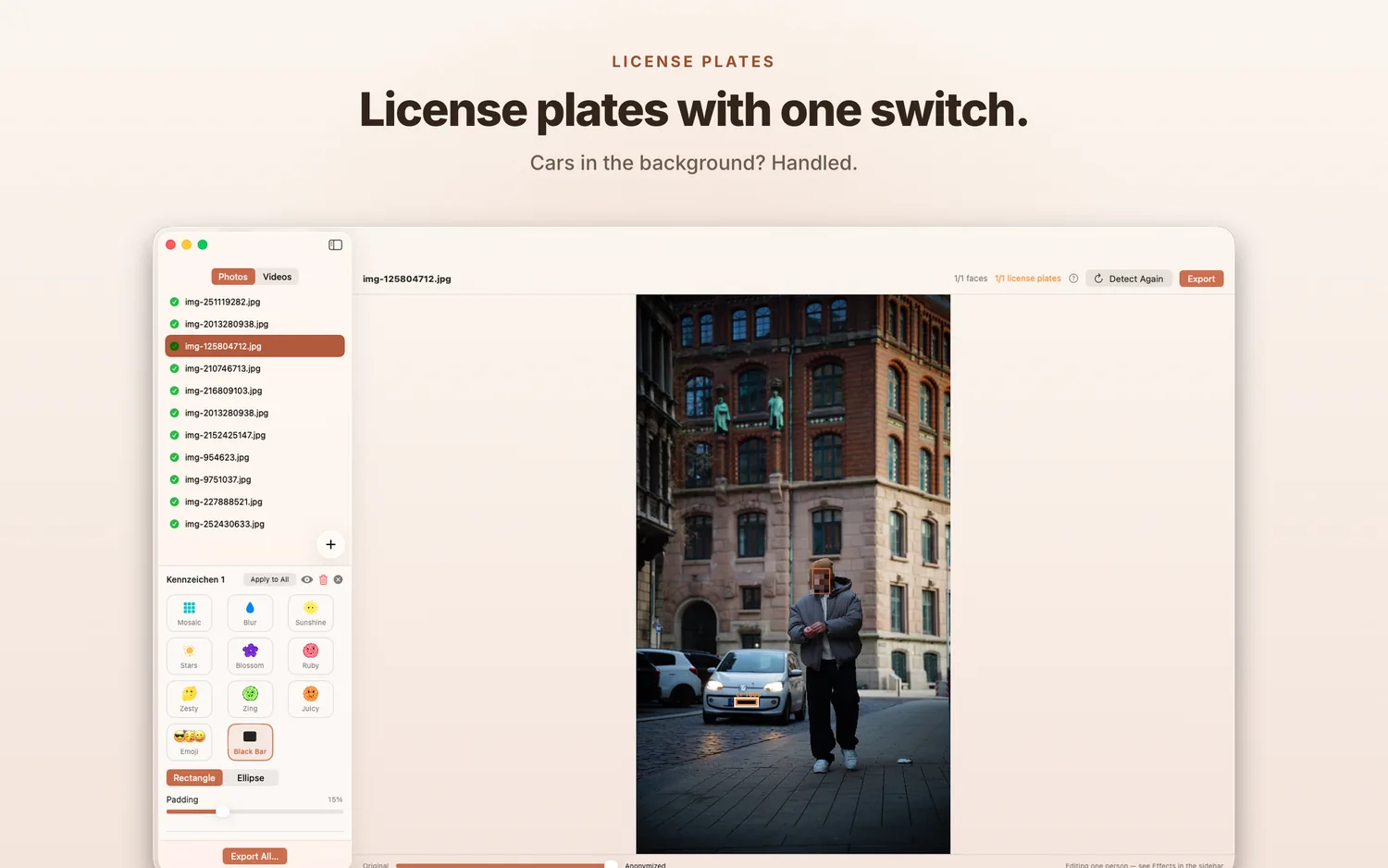
Two detectors, one pass. People and number plates are found automatically — and you can always add, resize or remove regions by hand.
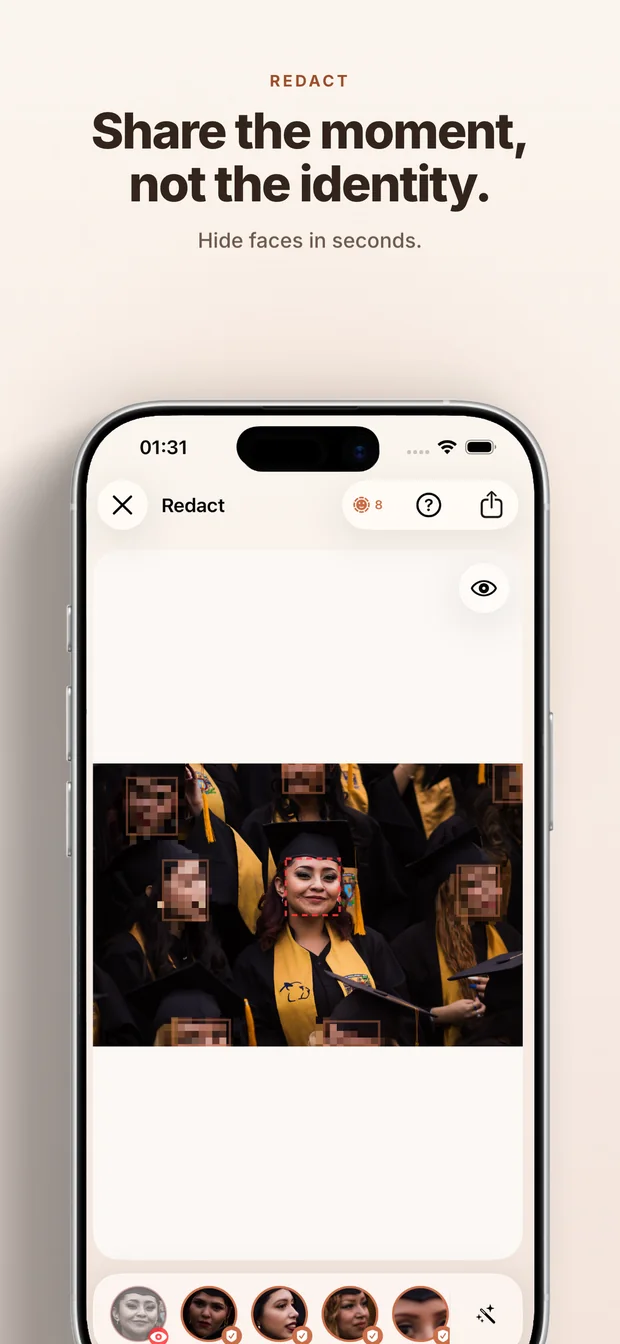
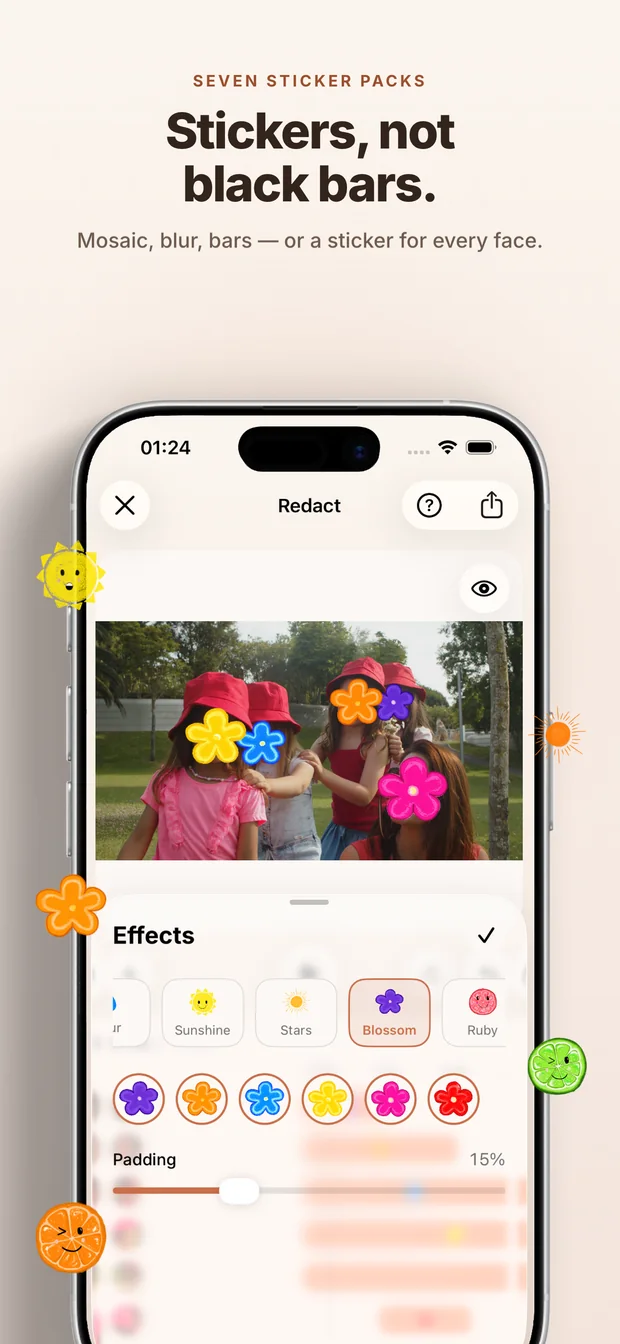
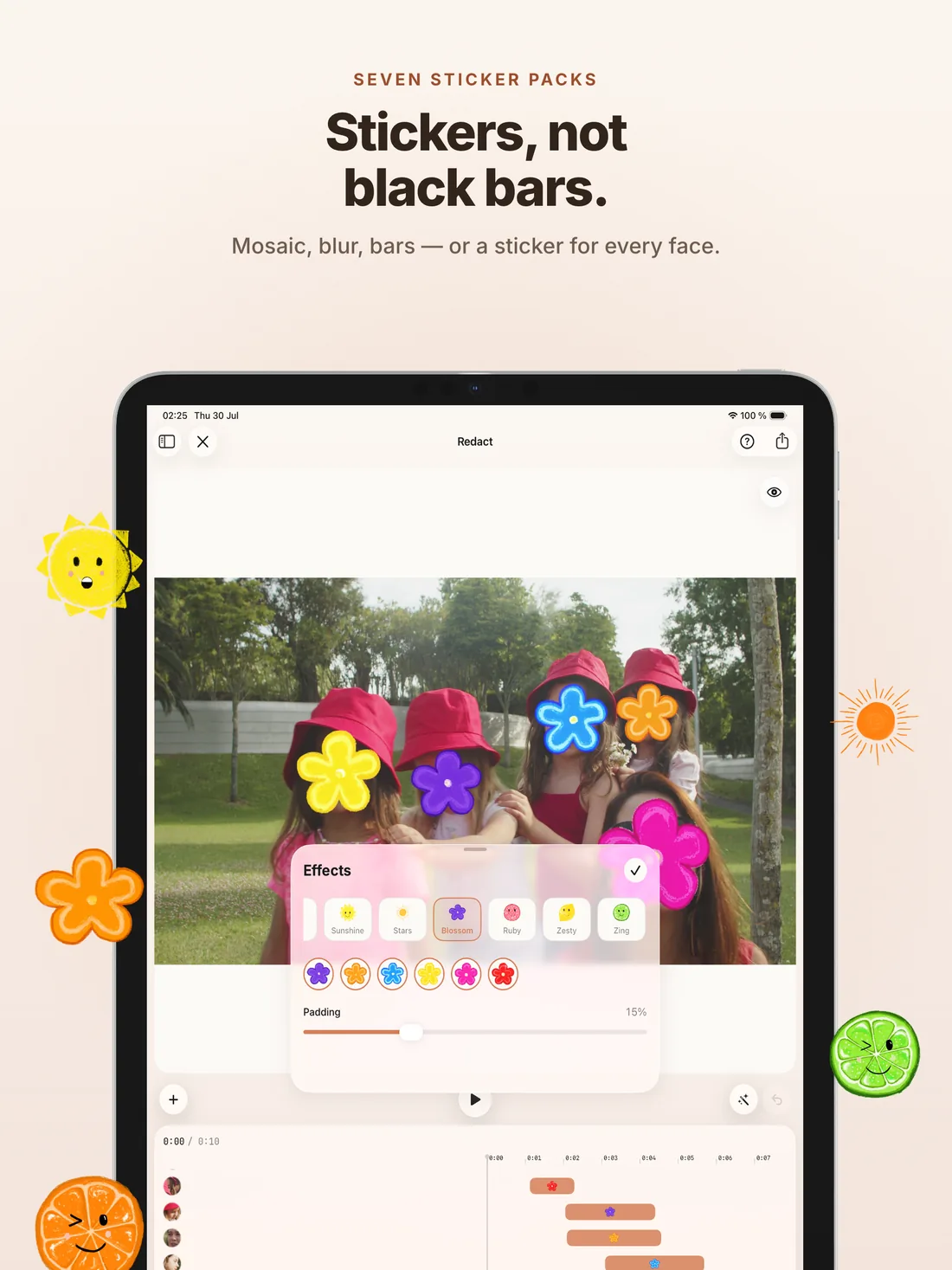
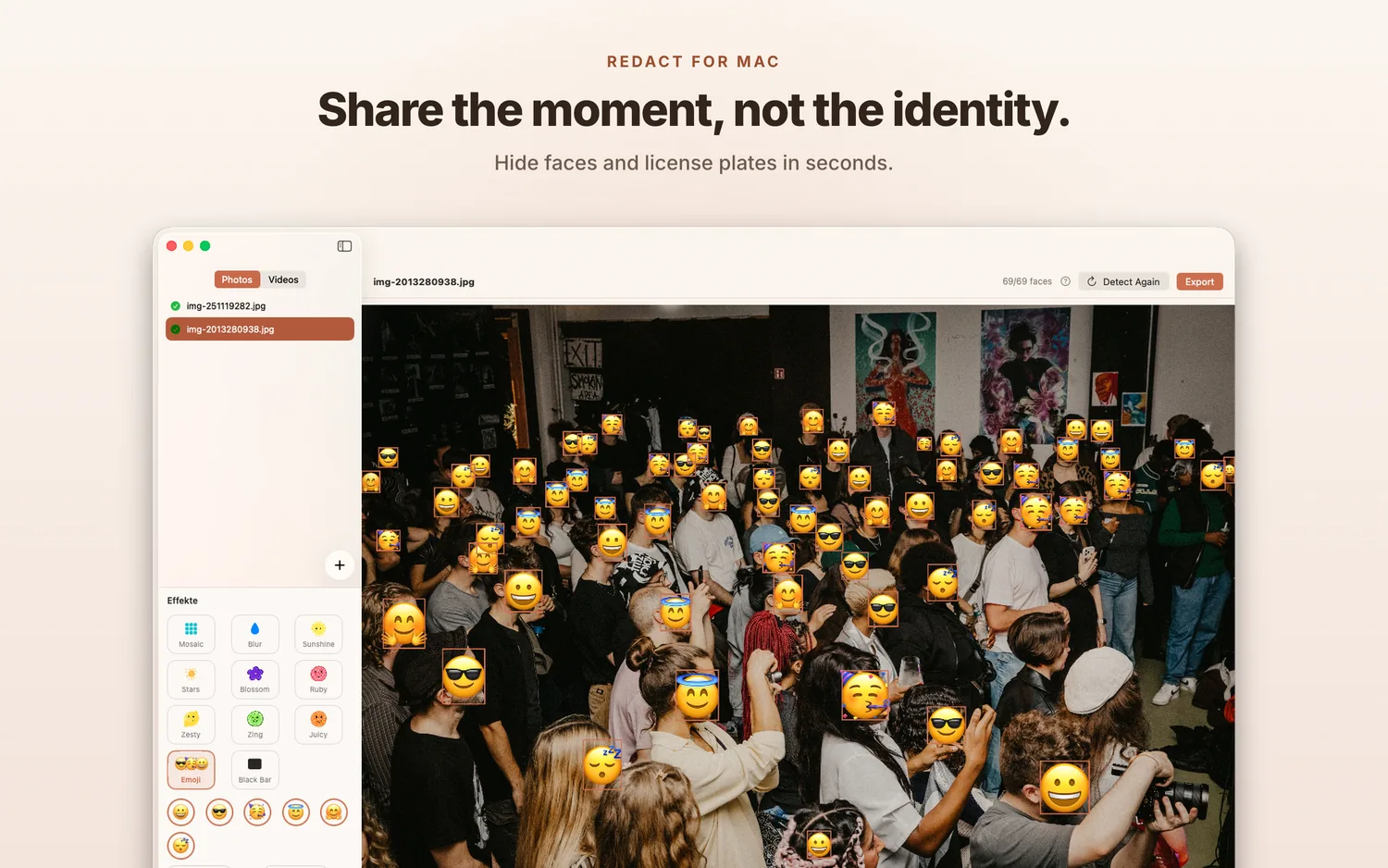
Mosaic, blur, solid bar, emoji or full sticker packs — rectangle or ellipse. Pick the effect that fits the photo, from serious to playful.
No analytics. No crash reports. No fingerprinting. No advertising IDs. There is nothing to opt out of, because nothing was opted in.
SwiftUI on macOS 26 and iOS 18+, drag-and-drop on the desktop, PhotosPicker on the phone. Optional EXIF clean-up on export. No Electron, no web wrappers.
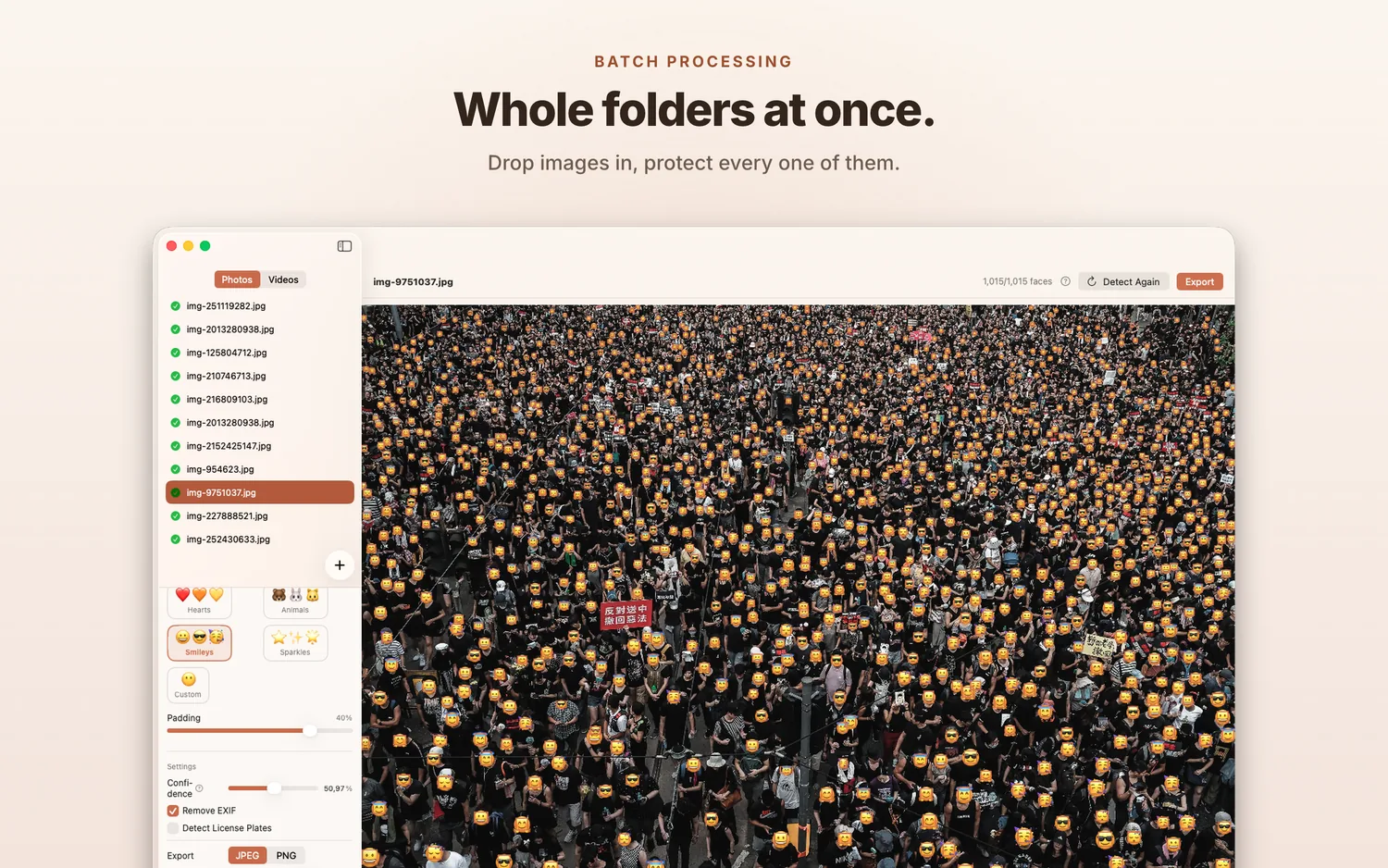
Drag a folder onto the Mac app or pick from PhotosPicker on iOS. Single image, a clip, or a batch of a thousand — same flow.
Core ML runs the detection models on the Neural Engine. Even small or partly occluded faces in crowds get caught — and in videos they're tracked across every frame.
Mosaic, blur, bar or sticker over every region. Save back to the photo library or export as files. The originals are never touched.
A sticker says nothing at all. Mosaic and blur are there when you need the serious version — but for the photos you actually want to post, every face can get a lemon, a flower or a tiny sun instead.
Detection, editing and photo export are free — no trial clock, no feature that suddenly locks. Redact Pro adds the playful effects and the polished video export, in one purchase across iPhone, iPad and Mac.
Purchases run through the App Store — no account with us, and no server of ours that could ever see your payment. The privacy promise holds for paying and non-paying users alike.
Get RedactYour photos never leave
your device.
The app never phones home. Nothing leaves unless you write it and send it. That isn't a privacy-policy claim — it's how the app is built.
Read the full policy